

Coupon organization ideas turn a pile of paper and phone screenshots into real savings at the checkout, instead of expired coupons you find too late. You know the feeling: you clipped a good coupon for the exact thing on your list, then found it in a drawer three days after it expired. Or the digital coupon was buried in your email, and you paid full price because you could not find it at the register. The coupons are not the problem. The lack of one simple home for them is. A small system — one binder or one phone folder, a weekly ten-minute check, and a rule about expiry dates — is all it takes. These coupon organization ideas work whether you clip paper coupons, save digital ones, or do a bit of both, and most of them cost nothing to start.
Start With a Quick Coupon Sort
Before you buy a binder or download an app, sort what you already have. Empty every spot where coupons hide: the junk drawer, the purse, the glove box, the fridge door, the phone screenshots folder, and the email inbox. Lay it all out on the table and toss anything past its date right away. Expired coupons are clutter, not savings, and keeping them makes the good ones harder to find.
Next, split what is left into two piles: paper and digital. Paper coupons go in one stack — that includes the ones you clipped from the paper and any printable coupons from the computer — and digital coupons live on your phone or in your email. This split matters because paper and digital coupons need different homes, and mixing them is how coupons get lost. Put the paper pile in a single envelope for now, and make one note on your phone listing the digital coupons you actually plan to use this week. That quick sort is the first of these coupon organization ideas, and it takes about fifteen minutes.
While you sort, check the dates. A coupon that expires this week goes at the front of everything. A coupon with a month left can wait in its category. And a coupon for something you never buy is not a deal — toss it, even if the savings look big. A system built on coupons you will really use stays small and honest, and a small system is one you will keep using.
Pick Your System: Binder, Box, or Phone
There is no single best way to keep coupons, only the way you will actually use. Most people land on one of three systems, and the right one is the one that fits how you shop. A coupon binder is the classic pick: a small three-ring binder with clear pocket pages and tabbed dividers, one tab per store section. It works well if you clip paper coupons every week and like to see everything at a glance. Keep it in the car or by the door, so it goes to the store with you. Good coupon binder organization starts with few categories, not many — keep your coupon categories simple enough to remember without looking them up.
A coupon filing system in a box is the faster, simpler cousin of the binder. A small accordion file or a recipe box with dividers holds clipped coupons by category — groceries, household, personal care, pets — and you do not have to slide each coupon into a pocket. It is the best pick if you clip a lot of coupons but hate fiddly pocket pages. A small coupon organizer box like this costs less than a binder and sets up in five minutes. Label each divider in big plain words, and keep the box where the mail lands, so new coupons go straight in.
A phone-only system suits digital coupons best. One folder in your photos app for coupon screenshots, one email label called Coupons, and one cash-back app you actually open. The trick is keeping it to one folder and one app, not five apps you forget to check. Paper coupons can join a phone system too: snap a photo of each one and file it in the same folder, so the phone holds the backup even if the paper stays home. Pick one system, set it up this week, and give it a month before you judge it.
Set Up a Coupon Binder That Actually Gets Used
A coupon binder only works if it is easy to open and easy to put a coupon into. Start with a small binder — one inch is plenty for most homes — plus a pack of clear trading-card pocket pages and a set of tabbed dividers. Skip the fancy printables until you know which sections you use. A binder built fast and fixed later beats a perfect binder that never gets built. The Southern Savers coupon organization guide walks through the same three methods — file folder, coupon box, and binder — so you can compare them before you pick one.
Sort your categories the way your store is laid out, so finding a coupon feels like walking the aisles: produce, dairy, frozen, pantry, household, personal care, and pets. Put the coupons that expire soonest at the front of each section, so they stare at you first. Put free-product coupons in a section right at the front of the binder, so you never miss a free item. And keep a zipper pouch in the front for the coupons you need on this week’s trip, plus a pair of scissors and a pen.
One rule keeps a coupon binder from turning into a paper pile: only clip what matches your list. When the weekly inserts arrive, flip through them once with your shopping list beside you. Clip the coupons for things you buy anyway, file them in the right tab, and recycle the rest of the insert. Clipping every coupon in the paper feels productive, but it fills the binder with deals for food nobody in your house eats. A thin binder you open every week beats a fat binder you avoid.
Our household binder organization ideas guide uses the same tabbed-divider setup for the papers that run the house.

Sort Digital Coupons So They Don’t Get Lost
Digital coupons are easy to save and even easier to lose. The fix is one home for them, not five. Make a Coupons label in your email and set a filter so store emails skip the inbox and land there. Once a week, open that label, keep the coupons you will use, and delete the rest. An inbox with two hundred store emails is not a system; a label with twelve coupons you plan to use is.
Screenshots need the same treatment. When you screenshot a coupon or a barcode, move it into one album called Coupons on your phone the same day. At the store, that album is the only place you look. Delete the screenshot the moment you use the coupon, so old ones never pile up. And check the store app before you leave home: most store coupons now live in the app, and clipping them straight to your loyalty card means nothing to carry and nothing to forget at the register.
Cash-back apps belong in this system too, but only one or two of them. Pick the rebate app you actually use, check it against your shopping list before the trip, and ignore the rest. Three apps that each hold one deal cost more time than they save. The goal is simple: when you stand at the checkout, you know exactly where every coupon lives, paper or digital. Our budget organization ideas guide uses the same one-home rule for the whole house, and coupons are the easiest place to start.
Match Coupons to Your Shopping List
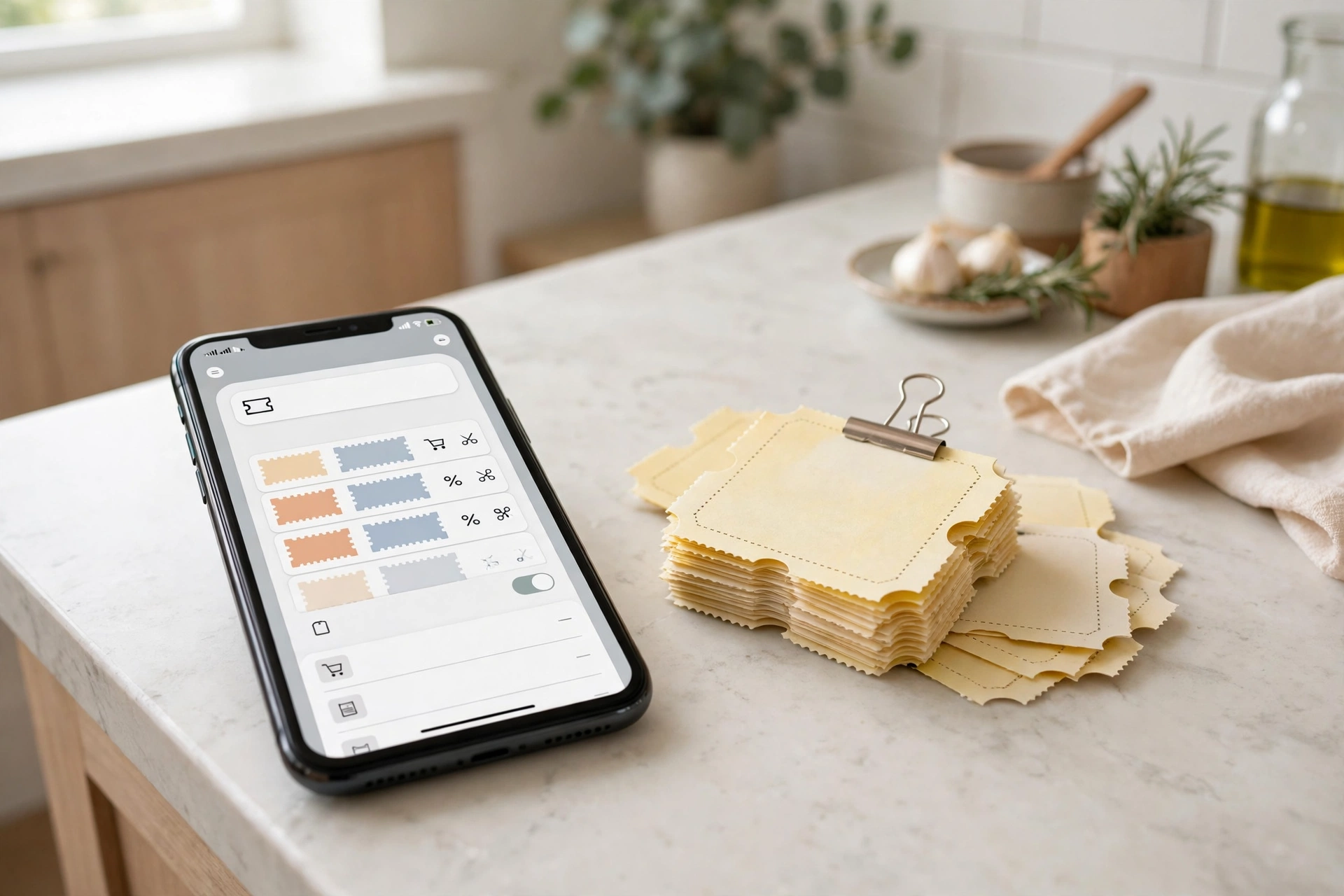
Coupons save the most money when they meet the list before the store, not after. That is the heart of coupon organization ideas: the list and the coupons meet on the kitchen table, not at the register. Sit down with the weekly store ad and your shopping list on the same page. For each item on the list, check the binder tab and the phone folder: is there a coupon for it, and does it expire soon? Pull those coupons into the front pouch of the binder or the top of the phone album. Everything else stays filed, so the trip kit is small and you only carry what you will use.
Watch the store’s sale cycle while you do this. Most stores run the same items on sale every six to eight weeks, so a coupon that lines up with a sale week is worth holding for. A coupon that never lines up with a sale is still worth using if the item is on your list — a small saving on something you buy anyway beats a big saving on something you do not need. And keep a short note in the binder of your store’s coupon policy: how many coupons per item, whether digital and paper stack, and the expiry rules. That note saves an argument at the register.
Bring the list, the trip coupons, and nothing else. At the store, shop the list first and the deals second. A coupon for a snack your kids do not eat is not a saving, no matter how big the discount. When you get home, file the new coupons that arrived while you were out, toss the ones you used, and the system is ready for next week. Pair this with your weekly cleaning schedule reset, and the coupon check becomes a ten-minute habit instead of a weekend project.
The Weekly 15-Minute Coupon Reset
No coupon system survives without a short weekly check, but the check does not need to be a big event. Pick one evening a week — the night the new store ad lands is the natural one — and set a timer for fifteen minutes. Open the binder and the phone folder, pull out anything expired, and file the new coupons that came in during the week. Move the coupons expiring in the next seven days to the front pouch, so they get used first.
Use the same fifteen minutes to check the pantry before you clip. Our small pantry organization ideas post shows how a quick shelf check stops you buying food you already own, and the same check stops you clipping coupons for food you already have. A coupon is only a saving if the item gets used before it expires, and the pantry check tells you the truth about that.
End the reset by writing next week’s shopping list with the coupons beside it. One page, one list, coupons noted next to the items they cover. That page goes in the front of the binder or as a note on your phone, and it is the only paper you carry to the store. Fifteen minutes a week, and the coupons stop expiring in a drawer — they start saving money at the checkout instead. That weekly reset is the coupon organization ideas habit that holds the whole system together.
| System | Best for | Setup cost | Weekly upkeep | Biggest risk |
|---|---|---|---|---|
| Coupon binder | Paper clippers who shop weekly | A binder + pocket pages, under $10 | 15 minutes | Clipping coupons you never use |
| Accordion file / box | Fast filing, lots of coupons | A file box or recipe box, under $5 | 10 minutes | Categories get too broad |
| Phone-only system | Digital coupons + store apps | Free | 10 minutes | Screenshots pile up unfiled |
| Fridge-door board | This week’s coupons only | Magnets you own | 5 minutes | Coupons fall off or get buried |
| Hybrid binder + phone | Paper and digital mix | Binder + one app, under $10 | 15 minutes | Two systems drift apart |
Coupon Organization Checklist
- [ ] Sort every coupon you own: toss expired ones, split paper from digital
- [ ] Pick one system — binder, box, or phone — and set it up this week
- [ ] Label categories the way your store is laid out
- [ ] Put soonest-expiring coupons at the front of each section
- [ ] Keep free-product coupons in a front section you cannot miss
- [ ] Make one Coupons email label and one phone album for screenshots
- [ ] Match coupons to the shopping list before every trip
- [ ] Keep the store coupon policy note in the front of the binder
- [ ] Run the 15-minute weekly reset: toss, file, move expiring coupons forward
- [ ] Check the pantry before clipping, so coupons match food you will use
Frequently Asked Questions
What is the easiest way to organize coupons?
The easiest way is one small accordion file or binder sorted by store section, with the soonest-expiring coupons at the front of each section. Clip only the coupons that match your shopping list, keep the file where the mail lands, and run a fifteen-minute reset once a week to toss expired coupons and file new ones. A thin system you use every week beats a big one you avoid — that is the core of coupon organization ideas.
Should I use a coupon binder or an app?
Use a binder if most of your coupons are paper and you shop from printed inserts. Use a phone system if most of your coupons are digital or clipped in a store app. If you use both, keep the paper in the binder and the digital coupons in one phone album and one email label — never five apps. The test is simple: at the checkout, can you find any coupon in under ten seconds? Whichever system passes that test is the right one.
How do I keep track of coupon expiry dates?
File coupons with the soonest expiry date at the front of each category, and move coupons expiring within the next seven days into a front pouch during your weekly reset. A colored dot on the corner of coupons expiring this week works too — one glance tells you what to use first. And toss expired coupons the moment you spot them, so they never hide a good one behind them.
How do I organize digital coupons?
Make one Coupons label in your email with a filter for store emails, keep one Coupons album on your phone for screenshots, and clip store-app coupons to your loyalty card before you shop. Check the label and the album once a week, delete used and expired coupons right away, and keep only one or two cash-back apps. One home for digital coupons is the whole trick — the coupons are easy to save, so the system has to make them just as easy to find.
Savings That Show Up on the Receipt
Coupon organization ideas are not about clipping every coupon in the paper. They are about one home for every coupon, a list that meets the coupons before the store, and fifteen minutes a week to keep the dates honest. Sort what you have, pick the binder, the box, or the phone, and file only the coupons you will really use. Do that, and the next time you reach the checkout, the coupon will be in your hand — not in a drawer at home, expired.